
Using a PS5 Controller on a PS4
1 min read
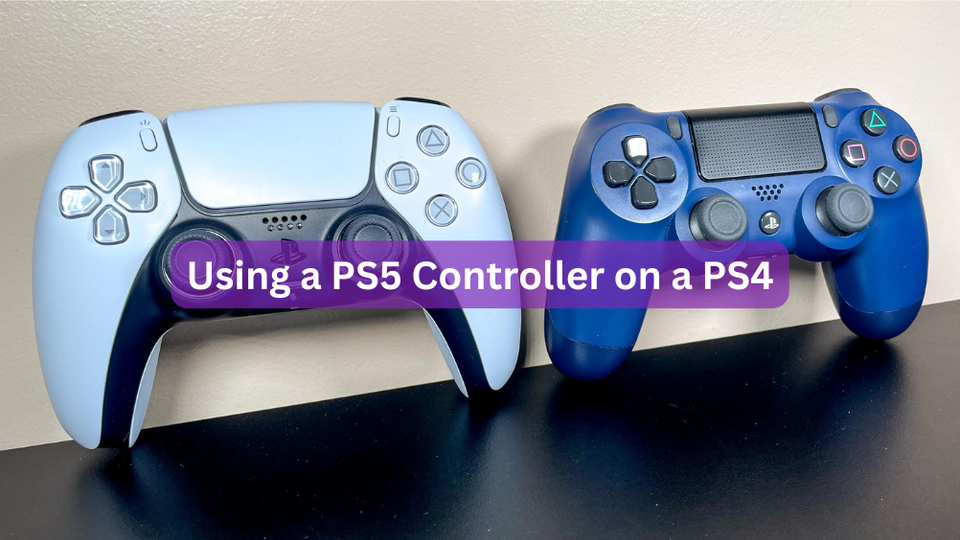
Ever considered using a PS5 controller on a PS4? It’s not a straightforward process, but there are a few ways to make it happen. Sony’s not known for backward compatibility—PS4’s DualShock 4 only works with certain PS3 games, and connecting a PS5 controller to a PS4 presents its own challenges.
Fortunately, there are some tricks to try. One option is using a Brook converter, which works wirelessly or through a wired connection. However, some gamers have reported compatibility issues. Another choice is the MayFlash Pro, which supports DualSense PS5 controllers on a PS4. But note that it doesn't work with MayFlash’s arcade stick on the PS5.
For a simpler approach, you can use PlayStation Remote Play. Here’s how:
- Download the PlayStation Remote Play app on your PC.
- Connect your PS4 controller via Bluetooth or a mini-USB cable.
- Press and hold the PS and Share buttons until the controller flashes.
- Go to Settings > System > Remote Play on your PS5, and enable Remote Play.
While the PS Remote Play app supports both DualShock 4 and DualSense controllers, some features—like the touchpad, light bar color changes, rumble, motion sensors, and headphone jack audio—won’t be supported via Bluetooth.
Though a PS4 controller can work on a PS5, it’s limited to PS4 games and won’t function with current-gen PS5 titles, likely due to Sony’s desire to maintain a clear distinction between the two systems.


